

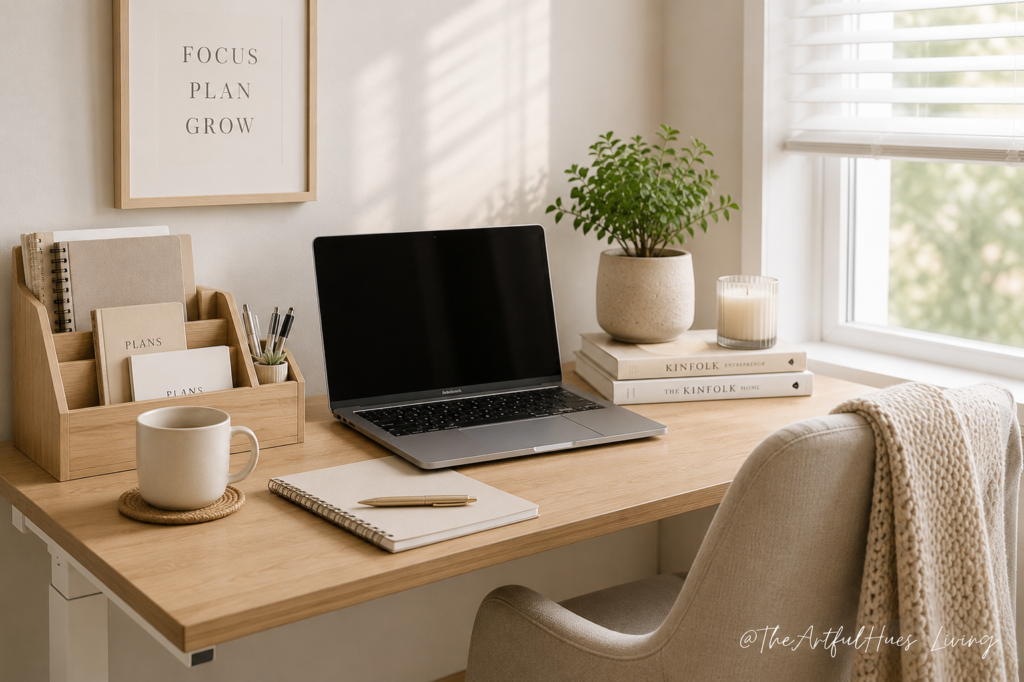
Creating a productive work-from-home setup starts with choosing the right home office essentials, smart desk organization ideas, and practical productivity tools that make your workspace easier to use every day. Whether you have a dedicated office, a small desk in your bedroom, or a compact corner in the living room, the goal is the same: build a clean, comfortable, and organized home office that helps you focus without feeling cluttered or overwhelmed.
A good home office does not need to be expensive or complicated. In fact, some of the most useful work-from-home essentials are simple items that solve everyday problems: tangled cables, poor lighting, uncomfortable seating, lack of storage, messy stationery, or too many things competing for space on your desk.
This guide covers practical home office essentials that can help you create a more productive, clutter-free, and comfortable workspace.
Disclosure: As an Amazon Associate, we earn from qualifying purchases. This post may contain affiliate links at no extra cost to you.
Why Your Home Office Setup Matters
Your workspace affects how you feel, focus, and work. A cluttered desk can make even simple tasks feel harder, while a well-organized setup can make your day feel calmer and more manageable.
When everything has a place, you spend less time searching for items, adjusting your setup, or clearing space before you start working. This is especially important if you work from home regularly, study online, run a side hustle, or create content after hours.
A productive home office setup should help you:
- Keep your desk clear
- Reduce visual clutter
- Improve posture and comfort
- Make frequently used items easy to reach
- Support focused work
- Fit your actual space and routine
The best setup is not the one that looks perfect online. It is the one that works for your real life.
1. A Comfortable Desk Chair
A supportive chair is one of the most important home office essentials, especially if you sit for long periods. Poor seating can make working from home uncomfortable and may lead to back, neck, or shoulder strain.
Look for a chair that supports your lower back, allows your feet to rest comfortably, and keeps your screen at a comfortable eye level. If a new chair is not currently an option, a lumbar cushion or seat cushion may help improve comfort.
Productivity tip: Your chair should help you stay comfortable enough to focus, but not so relaxed that it encourages slouching or low energy.
2. A Desk That Fits Your Space
You do not need a large desk to create a functional workspace. A compact desk can work beautifully if it has enough surface area for your laptop, notebook, lamp, and a few daily essentials.
For small home office setups, consider a desk with drawers, a slim profile, or built-in shelving. If your workspace is in a shared room, a minimal desk can help keep the area looking tidy when the workday ends.
The key is to avoid choosing a desk that becomes a dumping ground. Your desk should support your work, not collect everything that does not have a home.
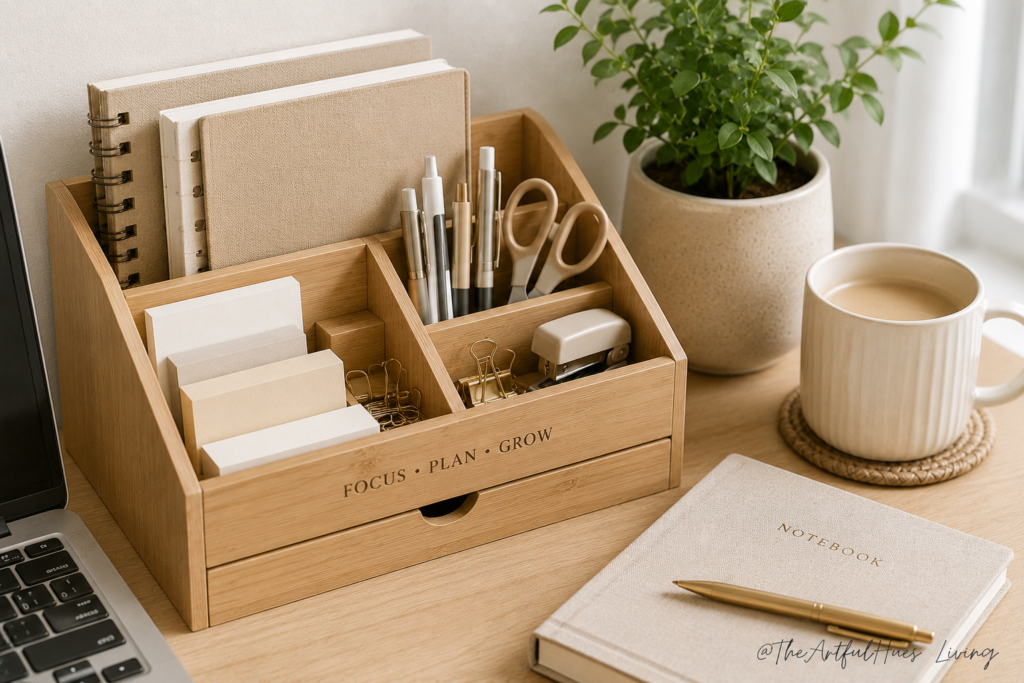
3. A Desk Organizer for Daily Items
A desk organizer is a simple way to reduce clutter and keep frequently used items within reach. Pens, sticky notes, paper clips, chargers, and small accessories can quickly make a desk feel messy if they are scattered everywhere.
Choose an organizer that suits your work style. Some people prefer a simple pen cup and tray, while others need compartments for stationery, notebooks, and tech accessories.
A good desk organizer should make your workspace feel easier to use, not more crowded.
4. Cable Management Tools
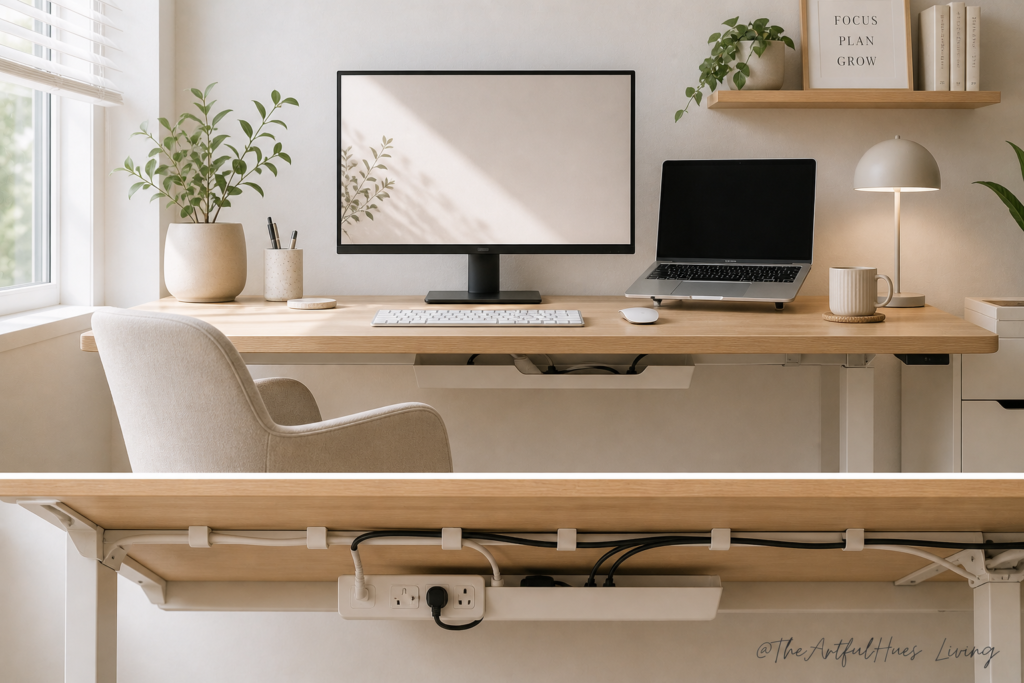
Cable clutter is one of the fastest ways to make a home office feel chaotic. Chargers, laptop cords, monitor cables, and phone cables can easily tangle across the desk or floor.
Cable clips, cord holders, cable sleeves, and under-desk cable trays can help keep wires controlled and out of sight. This is especially helpful if you use multiple devices during the day.
A cleaner cable setup also makes your workspace look more intentional, which is useful if your desk appears in video calls or content photos.
5. A Good Desk Lamp
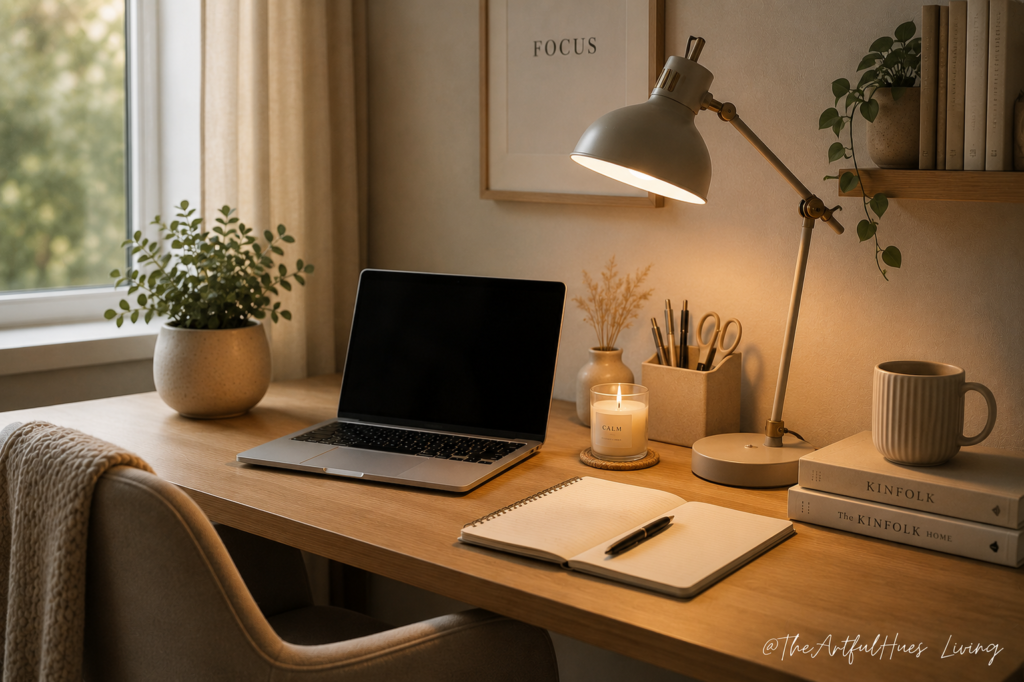
Lighting has a big impact on productivity. A dark or poorly lit workspace can make you feel tired, while harsh overhead lighting can create glare and discomfort.
A desk lamp gives you more control over your lighting, especially if you work early in the morning, at night, or in a room without much natural light. Look for a lamp that provides enough brightness without taking up too much space.
Warm, soft lighting can make your workspace feel cozy, while brighter task lighting may be better for reading, writing, and detailed work.
6. A Monitor Stand or Laptop Riser
A monitor stand or laptop riser can help bring your screen closer to eye level. This can make your setup more comfortable and reduce the habit of looking down at your laptop all day.
Many monitor stands also create extra storage space underneath, which is helpful for small desks. You can slide a keyboard, notebook, planner, or small storage tray underneath when not in use.
This is one of the easiest upgrades for making a home office look cleaner and feel more ergonomic.
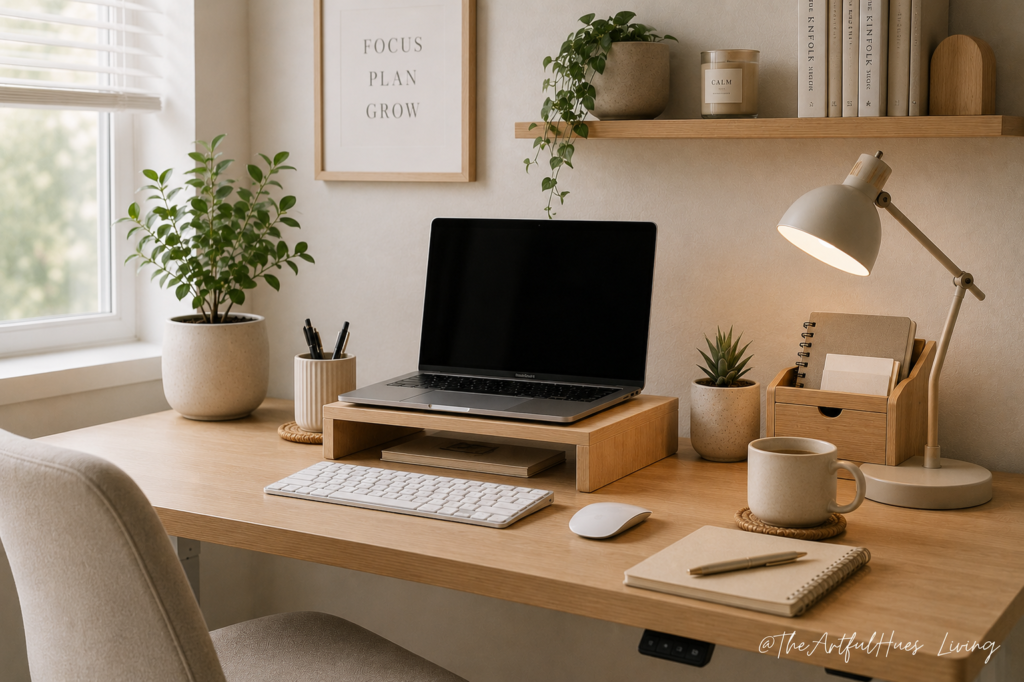
7. A Keyboard and Mouse
If you use a laptop for long work sessions, an external keyboard and mouse can make your setup more comfortable. They allow you to position your screen higher while keeping your hands at a natural level.
A wireless keyboard and mouse can also reduce visible clutter, especially in a minimalist home office setup. Choose options that feel comfortable for your hands and fit the size of your desk.
Small details like this can make your work-from-home setup feel more intentional and less temporary.
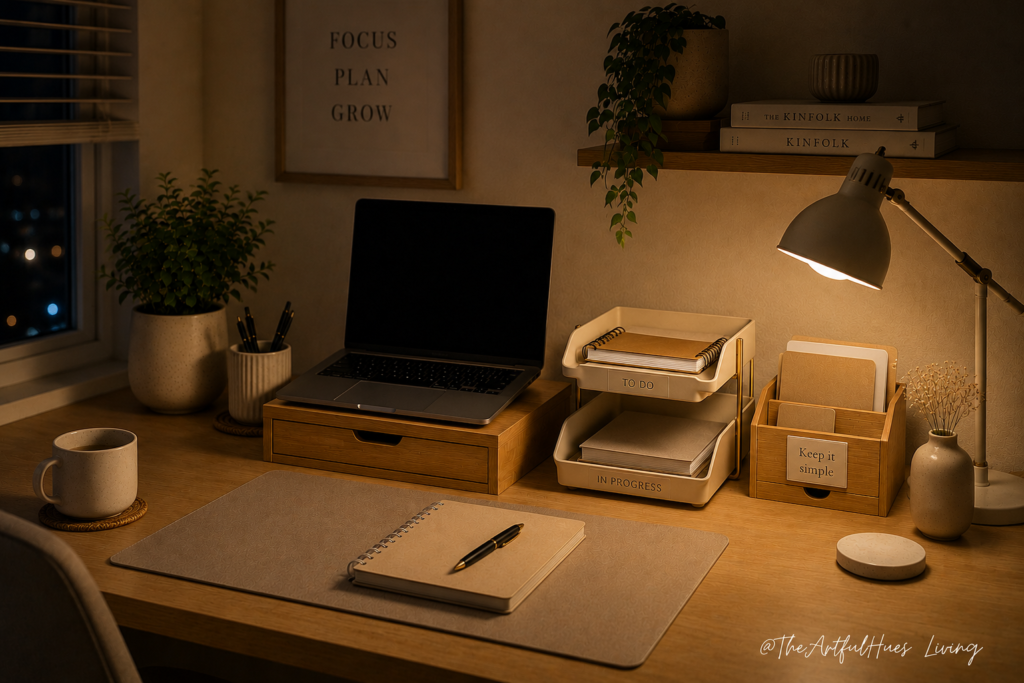
8. Storage Bins, Drawers, or Desktop Trays
Storage is essential for keeping your home office organized. Without storage, even useful items can become visual clutter.
Use small drawers, file boxes, storage baskets, or desktop trays to group similar items together. For example, keep paperwork in one tray, tech accessories in one drawer, and notebooks in one basket.
The goal is not to hide everything. The goal is to make sure every item has a clear place to return to.
9. A Planner or Notepad
Digital tools are useful, but a simple planner or notepad still has a place in a productive home office. Writing down your top priorities can help reduce mental clutter and make your workday feel more structured.
Keep one notebook, planner, or daily task pad on your desk rather than multiple scattered papers. This makes it easier to focus on what matters instead of constantly checking different apps or loose notes.
A simple daily plan can help you start work faster and finish the day with more clarity.
10. Noise Management Essentials
Working from home often means dealing with background noise: family, pets, traffic, neighbours, or household tasks. Noise-cancelling headphones, soft background music, or even a small white noise machine can help create a more focused environment.
This is especially useful if your workspace is in a shared area or you need to take calls during the day.
A quieter setup can make your home office feel more like a proper work zone, even if it is just a small corner.
11. A Small Touch of Decor
A productive home office should be functional, but it should also feel pleasant to use. A small plant, framed print, candle, or neutral decor piece can make the space feel more inviting.
The trick is to keep decor minimal. Too many decorative items can make the desk feel crowded and distracting.
Choose one or two pieces that make the space feel calm, clean, and personal.
12. A Simple End-of-Day Reset System
One of the best home office habits is a quick reset at the end of the day. This does not need to be complicated. Take five minutes to put pens away, close notebooks, clear mugs, plug in devices, and reset your desk for tomorrow.
A reset system helps separate work time from home time, especially when your office is part of your living space.
Try keeping a small tray or basket nearby for items that need to be moved out of the workspace. This makes tidying easier and helps prevent clutter from building up.
How to Choose the Right Home Office Essentials
Before buying anything new, look at your current workspace and ask:
What is making my desk feel cluttered?
What do I reach for every day?
What slows me down when I start working?
What would make this space more comfortable?
What items are sitting on my desk because they do not have a proper home?
This helps you choose essentials based on your actual needs, not just what looks good in a styled photo.
For example, if your desk feels messy because of cords, start with cable management. If your neck hurts after work, consider a laptop riser or monitor stand. If papers pile up every week, add a file tray or document organizer.
A productive setup is built by solving one problem at a time.
Helpful tip: If you are building your home office slowly, start with the essentials that solve your biggest daily frustration first — whether that is cable clutter, poor lighting, lack of storage, or an uncomfortable setup.
Final Thoughts
A productive work-from-home setup does not require a large office or a complete makeover. With a few practical home office essentials, you can create a workspace that feels cleaner, calmer, and easier to use.
Start with the basics: a comfortable chair, a functional desk, good lighting, smart storage, cable management, and a simple organization system. Then add small details that make the space feel inviting without creating clutter.
The best home office setup is one that supports your daily routine, helps you focus, and makes working from home feel a little easier.
For more small home office and desk organization inspiration, follow The Artful Hues on Pinterest.
Pingback: 12 Practical Work From Home Essentials That Make Your Day Easier - Home - The Artful Hues