

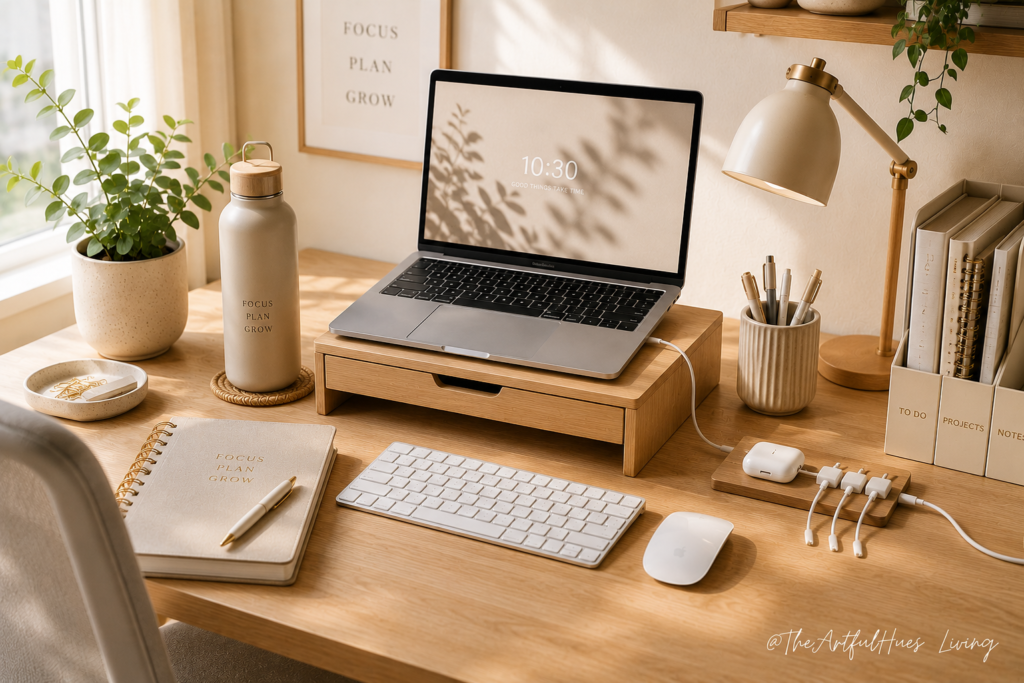
Working from home sounds simple until your desk becomes cluttered, your posture feels uncomfortable, your laptop overheats, and your focus disappears by lunchtime. The right work from home essentials can make your day easier by helping you stay organized, comfortable, and productive without needing a full office makeover. Whether you have a small desk, a corner workspace, or a compact home office, a few practical productivity essentials can help you create a calmer and more efficient work-from-home setup.
The key is not buying random office items. The goal is choosing tools that solve real daily problems: such as messy cables, poor lighting, neck strain, paper clutter, distractions, and lack of structure. Below are helpful work-from-home essentials that can improve your desk setup and make your workday feel smoother.
Disclosure: As an Amazon Associate, we earn from qualifying purchases. This post may contain affiliate links at no extra cost to you.
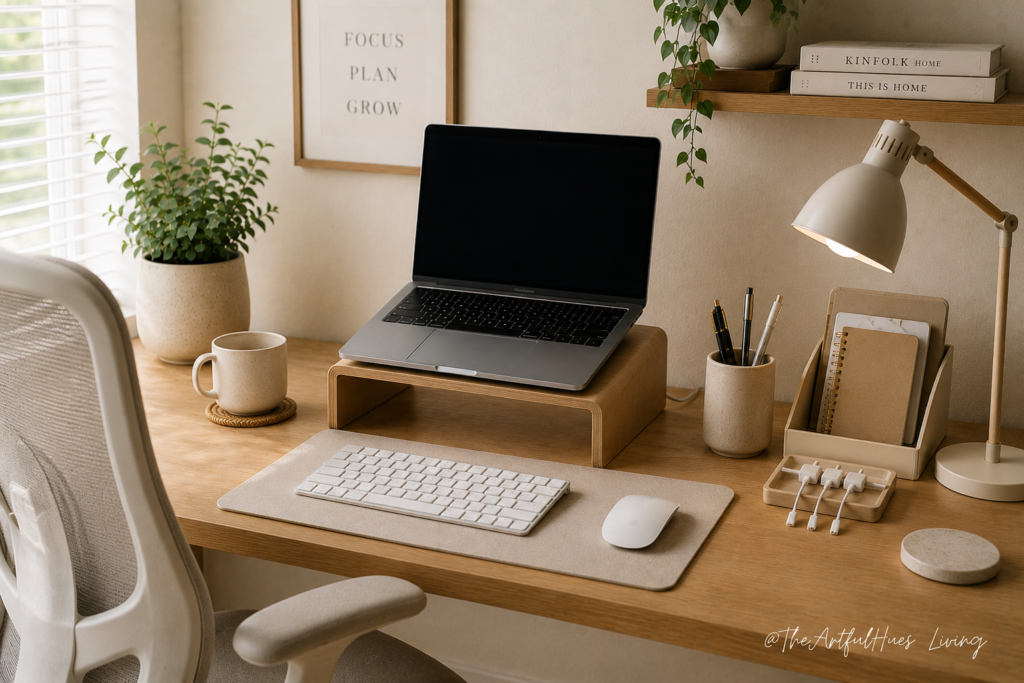
1. A Laptop Stand for Better Posture
A laptop stand is one of the simplest upgrades for a work-from-home desk. When your laptop sits flat on the desk, you often end up looking down for hours. This can lead to neck tension, shoulder discomfort, and poor posture.
A laptop stand lifts your screen closer to eye level, which helps create a more comfortable working position. It also makes your desk look cleaner and more intentional.
For small spaces, choose a foldable or slim laptop stand that can be stored away when not in use. If you use your laptop daily, this is one of the most useful home office essentials to consider.
2. A Wireless Keyboard and Mouse
Once your laptop is raised, a separate keyboard and mouse become important. They help keep your arms and wrists in a more natural position, especially during long work sessions.
A wireless keyboard and mouse also reduce visual clutter because there are fewer cords across your desk. This creates a cleaner workspace and makes your setup feel more organized.
Look for compact options if you have a small desk. A slim keyboard and quiet mouse can make your workday feel more comfortable and less distracting.
3. A Desk Lamp with Soft Lighting
Poor lighting can make working from home feel tiring. If your room is too dark, your eyes may strain. If the light is too harsh, your desk may feel uncomfortable.
A simple desk lamp can make a big difference. Choose one with warm or adjustable lighting so you can change the brightness depending on the time of day.
A desk lamp is especially useful if you work early in the morning, at night, or in a room without much natural light. It also makes your home office feel more polished and cozy.
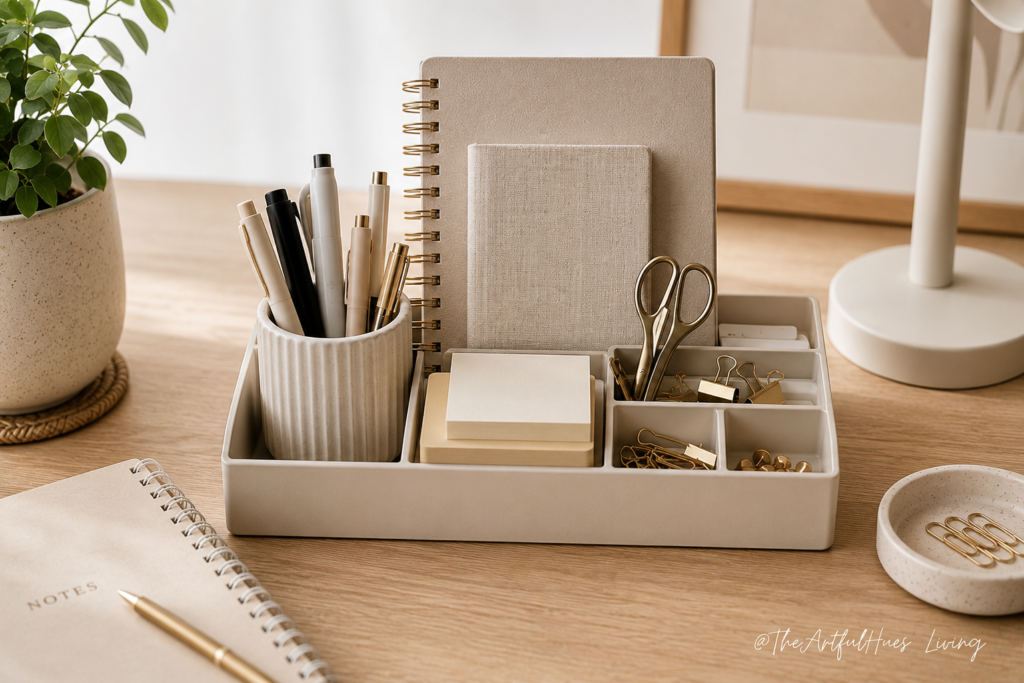
4. A Desk Organizer for Everyday Items
Pens, sticky notes, paper clips, headphones, chargers, and notebooks can quickly take over your desk. A desk organizer gives these everyday items a proper home.
This helps reduce clutter and saves time because you are not constantly searching for small things. A simple organizer with sections or drawers can keep your workspace neat without taking up too much room.
For a Pinterest-friendly home office look, choose a neutral desk organizer in white, beige, wood, acrylic, or soft grey.
5. Cable Clips or Cable Management Tools
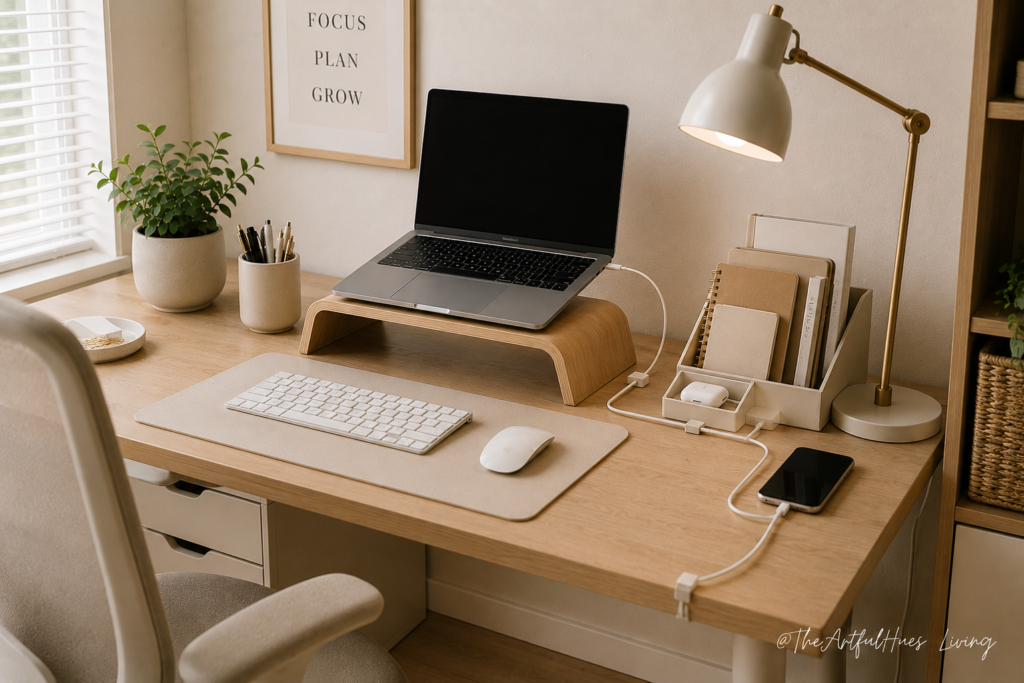
Cable clutter can make even a nice desk look messy. Chargers, laptop cords, monitor cables, and phone cables easily become tangled.
Cable clips, cord holders, or a small cable management box can instantly make your desk feel cleaner. They keep cords in place and stop them from falling behind the desk.
This is a small work-from-home essential, but it has a big impact on how tidy your space feels.
6. A Comfortable Chair Cushion or Back Support
Not everyone has a full ergonomic office chair at home. If you are working from a dining chair, old desk chair, or basic office chair, a seat cushion or lumbar support pillow can help make your setup more comfortable.
Good support can reduce pressure on your lower back and help you sit better throughout the day. This is especially helpful if you work long hours from home.
Choose a cushion that fits your chair properly and does not make your seat too high or unstable.
7. A Planner or Daily Notepad
Working from home can blur the line between work tasks and home distractions. A planner or daily notepad helps you stay focused by giving your day a simple structure.
You can use it to write your top three priorities, meetings, deadlines, reminders, and quick notes. This reduces mental clutter and helps you start the day with more direction.
A planner also works well for people who feel overwhelmed by digital task apps. Sometimes writing things down is faster and clearer.
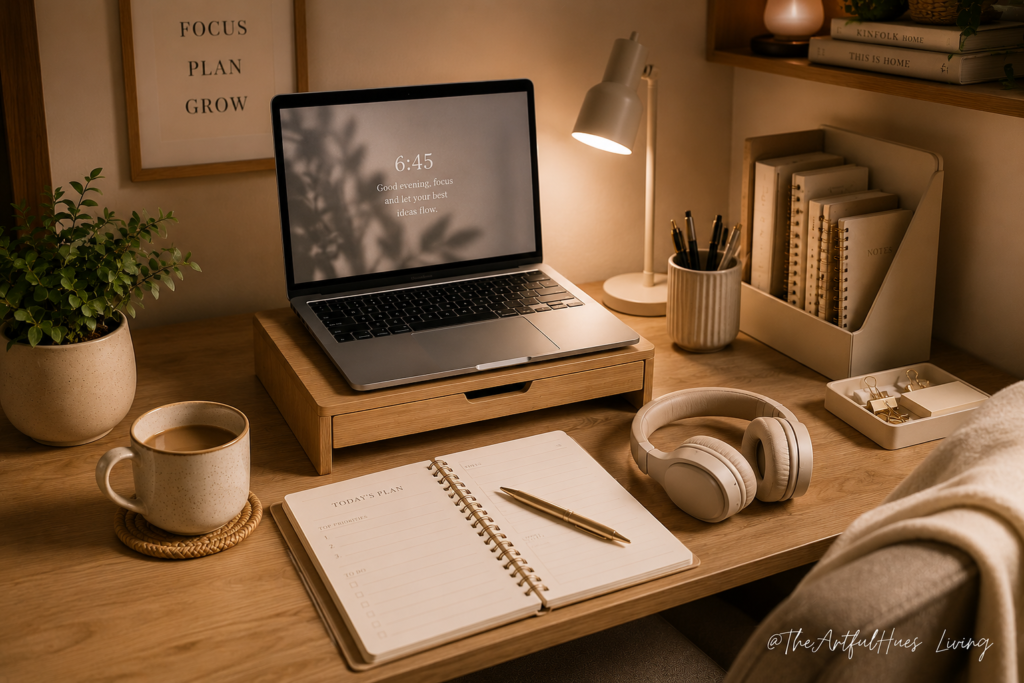
8. Noise-Cancelling Headphones
Distractions are one of the biggest challenges of working from home. Household noise, traffic, pets, family members, and background sounds can break your focus.
Noise-cancelling headphones can help you create a more focused work environment. They are useful for meetings, deep work, video calls, or simply blocking out distractions.
If full noise-cancelling headphones are not needed, even comfortable earbuds can help make your workday feel more controlled.
9. A Monitor or Second Screen
If you often switch between documents, spreadsheets, emails, and browser tabs, a second screen can make your work easier. It gives you more space to view information and can reduce the constant back-and-forth between windows.
A monitor is especially useful for admin work, design work, accounting tasks, writing, research, and video calls.
For small desks, consider a slim monitor or portable second screen. The goal is to improve your workflow without overcrowding your space.
10. A Small Storage Basket or File Tray
Paper clutter builds up quickly when you work from home. Receipts, notebooks, documents, mail, and random papers can make your desk feel messy.
A small storage basket, file tray, or document holder can keep paperwork under control. Use one tray for urgent items and another for documents to file later.
This creates a simple system instead of letting papers pile up across your desk.
11. A Reusable Water Bottle or Desk Cup
This sounds basic, but keeping water nearby can make your workday easier. When you are focused, it is easy to forget to drink water or keep getting up unnecessarily.
A reusable water bottle or simple desk cup helps you stay hydrated without interrupting your workflow. Choose one with a lid if you work near a laptop or keyboard.
Small habits like this can make your work-from-home routine feel more comfortable and intentional.
12. A Simple Desk Reset Routine
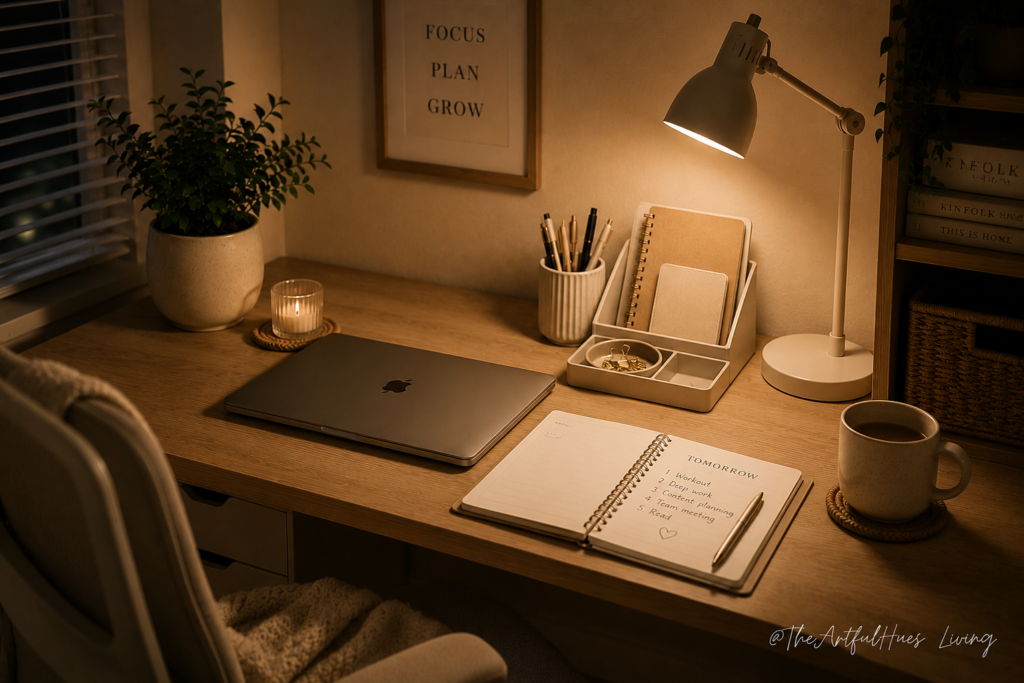
The final work-from-home essential is not a product — it is a habit. A desk reset routine helps you end the day with a clear workspace.
Spend five minutes putting away papers, clearing cups, plugging in devices, and preparing your planner for tomorrow. This makes the next morning easier because you are not starting your day in yesterday’s mess.
A clean and organized desk can also help your home feel less like an office after working hours.
Final Thoughts
Creating a better work-from-home setup does not mean you need to buy everything at once or build a perfect home office overnight. The most effective workspace is usually the one that solves the problems you deal with every day. If your desk feels cluttered, start with simple organization tools like a desk organizer, cable clips, or a small file tray. If your body feels tired after a few hours, a laptop stand, supportive cushion, or better lighting may make a bigger difference than decorative items.
The goal is to make your workday feel easier, not more complicated. A good home office setup should help you move through your day with less friction. Your essentials should support how you actually work, whether that means keeping your notes within reach, reducing distractions during calls, or making your small desk feel more open and functional.
It is also helpful to think of your workspace as a system. One item alone may not completely change your routine, but several small improvements can work together. A laptop stand improves screen height. A wireless keyboard and mouse make that setup more comfortable. Cable clips reduce the mess around your devices. A planner helps you stay clear on your priorities. These small changes can create a workspace that feels calmer, cleaner, and easier to use.
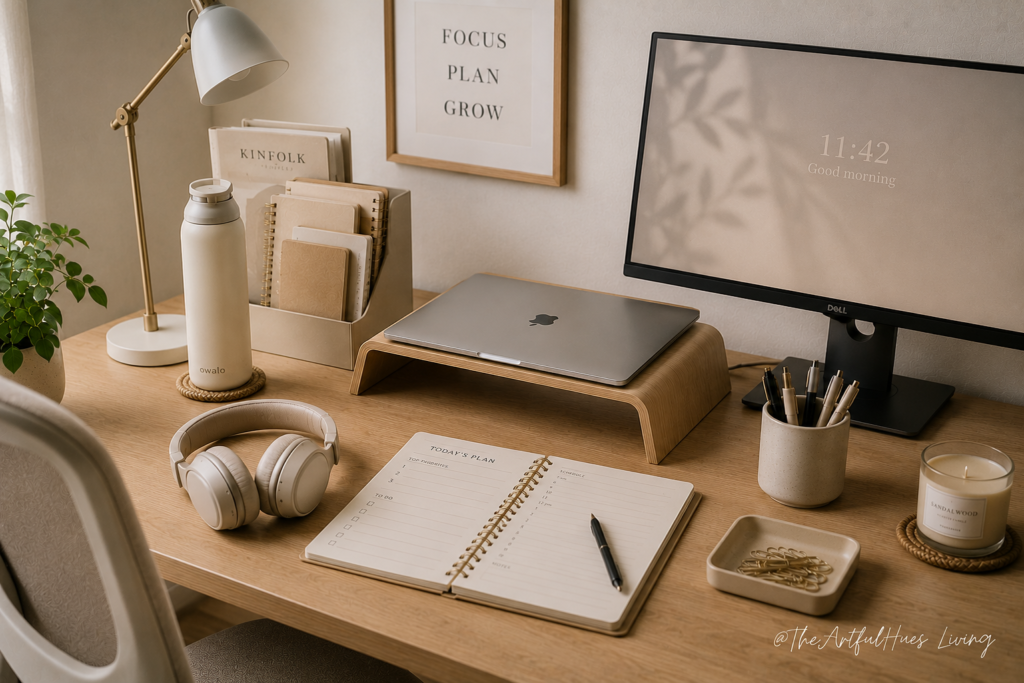
You also do not need a large room to create a productive work-from-home space. Even a small corner, narrow desk, or shared area can become more functional with the right setup. Focus on items that save space, reduce clutter, and help you stay comfortable during long work hours.
Start with one or two essentials that address your biggest frustration first. Over time, you can slowly build a workspace that supports your focus, comfort, and daily routine. The best work-from-home essentials are not just the ones that look good in photos. They are the ones you actually use every day to make working from home feel smoother, more organized, and less stressful.
For more small home office and desk organization inspiration, follow us at The Artful Hues on Pinterest.
Pingback: 9 Best Cable Management Ideas for a Cleaner Home Office Desk - Home - The Artful Hues